Most coaches spend their weekends trapped in a vicious cycle: sitting in front of a ring light, reading stiff scripts off a teleprompter app, recording 40 bad takes of the same sentence, and ending up exhausted with zero content posted.
When your coaching program costs $5,000, your hourly value is at least $500/hr. Spending 15 to 20 hours a month fighting CapCut, researching trending audio, and chasing unreliable video editors is an insane misallocation of executive capital.
The top 1% of 7-figure coaches don't create content daily. They operate on an asymmetric studio sprint protocol: Two 90-minute sessions per month on Riverside.fm (180 mins total) generate high-retention Authority Reels and Multi-Platform Video Syndication.
⚡ THE ASYMMETRIC CONTENT MULTIPLIER ARCHITECTURE
• Input: Exactly 180 minutes a month across two 90-minute 4K Riverside.fm recording sessions with your Creative Director.
• Video Output: Custom-Scoped Authority Reels (across Instagram Reels & TikTok).
• Multi-Platform Syndication: Cross-posted across Instagram, TikTok, and LinkedIn Video.
• Inbound Engine: Comment-to-DM triggers (ManyChat) driving booked discovery appointments.
Step 1: The Zero-Friction High-Fidelity Studio Setup
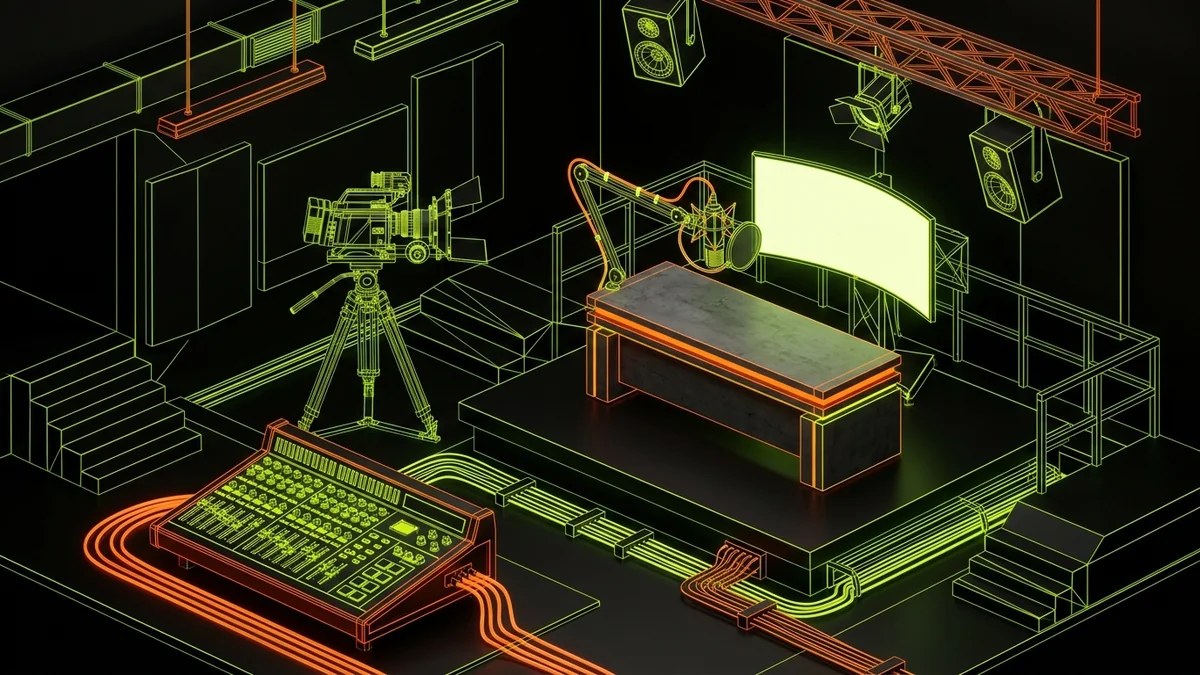
You do not need a $20,000 professional production stage. In 2026, over-produced corporate studio videos actually trigger ad-blindness. High-ticket buyers crave authenticity paired with broadcast-quality audio.
- Camera: iPhone 15/16 Pro via macOS Continuity Camera (or Sony A6400/ZV-E10 with a 16mm f/1.4 lens) positioned at direct eye level.
- Audio (Crucial): Shure SM7B, Rode PodMic USB, or Elgato Wave 3. 70% of perceived video quality comes from rich, clean vocal acoustics.
- Lighting: Single 60W softbox key light placed at a 45-degree angle. No cheesy multi-colored RGB neon strips behind your head.
Step 2: Why We Banned Teleprompters (The Guided Interview System)
When a coach reads from a teleprompter, their eyes track left-to-right in micro-stutters. Their vocal inflection flattens. They sound like a middle manager reading an HR compliance manual.
Instead, at Creative Punch Media, you jump into Riverside.fm opposite your dedicated Creative Director. You don't prepare scripts. We show up with 20 pre-researched psychological prompt angles derived from your coaching offer:
"Tell me about a client who came to you making $30k a month, and what was the one brutal blind spot that almost cost them their business?"
You speak naturally, conversationally, and passionately. Because you are an expert in your domain, you give incredible, unscripted answers. Our Creative Director guides your pauses, punches up your hooks, and manages the timer.
Alex Hormozi: Why Scripted Teleprompters Destroy Authority
Alex Hormozi breaks down why traditional scripted talking heads fail to build authentic trust. High-ticket buyers detect scripted inflections immediately. Pure personal authority comes from genuine conversational depth, real war stories, and spontaneous conviction captured in a flow state.
Step 3: The 48-Hour Content Operations Bay Slicing
Once the 90-minute sprint ends, your job is 100% finished. The 4K raw studio files automatically ingest into our Content Operations Bay:
- Transcript Ingestion: Audio is transcribed and timestamped for high-retention conversational peaks.
- Hook Engineering: We craft 3 punchy, scroll-stopping visual hooks for each core segment.
- Retention Post-Production: Kinetic typography, micro-sound design, optical punch zooms, and B-roll callouts are built in Premiere Pro.
- Multi-Platform Video Syndication: Our editorial bay formats, packages, and syndicates your authority reels natively across Instagram, TikTok, and LinkedIn Video.
The Math: 180 Minutes a Month vs. 20 Hours a Week
A coach spending 20 hours a week on content spends 80 hours a month. At $300/hr, that coach is burning $24,000 of their own time every 30 days.
Switching to the 90-Minute Studio Sprint gives you back 78.5 hours every single month to focus on coaching calls, mastermind delivery, and high-ticket sales calls.
Ready to Reclaim 75+ Hours Every Month?
Stop fighting video editing timelines. Let our Creative Director direct your next Riverside sprint and deliver a complete 30-day inbound engine.
BOOK YOUR FIT CALL ➔Frequently Asked Questions
What equipment do coaches need for a Riverside.fm studio sprint?
All you need is an iPhone with Continuity Camera (or 4K mirrorless webcam), a cardioid microphone (Shure SM7B, Elgato Wave 3, or Rode PodMic), and a simple key light. You do not need an expensive physical production studio.
Why shouldn't coaches use teleprompters for short-form reels?
Teleprompters create stiff micro-eye movements, unnatural cadence, and a sterile corporate tone that destroys trust with high-ticket buyers. Our Creative Director uses guided interview prompts to extract natural, authoritative, conversational insights live.
How does 1 sprint translate into high-retention authority content across platforms?
During the 180-minute monthly studio sprints (two 90-min sessions on Riverside.fm), your raw conversational insights are captured in uncompressed 4K. Our Content Operations Bay extracts your highest-authority frameworks into Custom-Scoped 9:16 Authority Reels syndicated natively across Instagram, TikTok, and LinkedIn Video, integrated directly with ManyChat comment-to-DM automated lead flows.